
Google announced plans to unify its desktop Google Drive clients yesterday on the Google Workspace Updates blog.
Two clients are in use currently: the Backup and Sync client, available to Home customers for the most part, and Drive File Stream, available to business and Enterprise customers for the most part.
Both share some functionality, including the ability to sync data from local devices with Google Drive cloud storage.
Google noticed that some Google Workspace customers were using both sync solutions, and that this could lead to confusion on the end user site and challenges for the IT department.
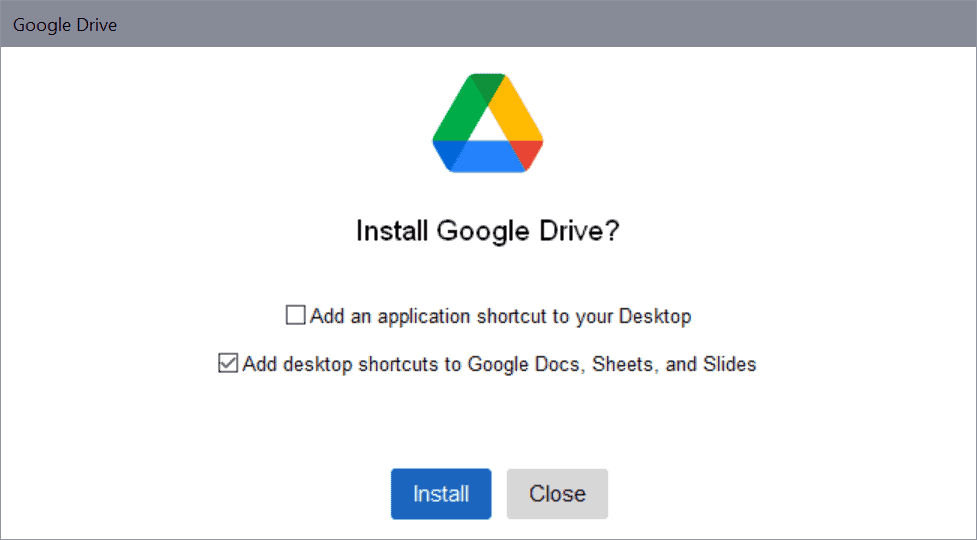
The company will unify sync clients later in 2021. The new client, Drive for desktop, includes all functionality of the commercial Drive File Stream application. Backup and Sync users will be migrated to the new client as well, and Google plans to integrate some of the features unique to Backup and Sync in the new client prior to release.
A feature comparison table has been posted that highlights similarities and differences between the three clients.
| Backup and Sync | Drive File Stream | Drive for desktop | |
| Use files in My Drive | Yes | Yes | Yes |
| Use files in shared drives | No | Yes, if your plan includes shared drives or you’re invited to a shared drive | Yes, if your plan includes shared drives or you’re invited to a shared drive |
| Sync only selected folders in My Drive to your computer | Yes | No, but you can stream files instead to save disk space | No, but you can stream files instead to save disk space |
| Sync only individual files in My Drive for offline use | No | Yes | Yes |
| Open and store non-Google files like Microsoft Office & Photoshop | Yes | Yes | Yes |
| See who's editing with real-time presence in Microsoft Office | No | Yes | Yes |
| Integrates with Microsoft Outlook, Meet scheduling | No | Yes | Yes |
| Sync local folders, like Documents or Desktop, to Google Drive | Yes | No | Yes |
| Back up photos and videos to Google Photos | Yes | No | Yes |
| Back up photos and videos directly to Google Photos instead of Google Drive | No | No | Yes |
| Access multiple accounts at the same time | Yes | No | Yes |
| Upload Apple Photos library | Yes | No | Yes |
| Upload from USB | Yes | No | Yes |
| Dark mode | No | Yes | Yes |
| File extensions you can ignore | Yes | No | No |
The table highlights one major change for Backup and Sync users. The new client does not support syncing selected folders in My Drive to computer systems. Google notes that users can stream files instead as it will bring a placeholder functionality to the new client. Placeholders take up little space on devices but need to be streamed to the device when they are accessed; the feature works similarly to Microsoft's OneDrive implementation of placeholders. The only other feature that is going to be removed is the ability to ignore file extensions.
Some features will become available to Backup and Sync users for the first time; this includes the option to sync individual files for offline use, integration with Microsoft Outlook and Meet scheduling, the ability to back up media directly to Google Photos, and dark mode support.
A migration schedule has not been published yet, but Google notes that it will notify administrators and end users three months in advance.
Now You: Do you use Google Drive software on your devices?
Thank you for being a Ghacks reader. The post Google will replace Backup and Sync client with Drive for desktop later this year appeared first on gHacks Technology News.
https://ift.tt/39QJmy8
from gHacks Technology News https://ift.tt/36L2T0W

No comments:
Post a Comment