
It's not a good idea to sit for long periods of time. But a lot of us do, and the pandemic situation isn't really helping. With lockdown restrictions, work from home has become the norm for many, and we find ourselves spending more time in front of the computer than before.
So, taking a short break from work can be good for your health. And I don't mean opening YouTube or social networks and chill for a bit, your eyes need to relax too, so get up and walk around for a few minutes, grab a drink of water, or at least let your eyes wander without looking at the monitor.
Time can fly by when you are preoccupied with work or leisure, so you may not actually notice it, but you could've been putting more hours than you thought. Big Stretch Reminder is a freeware tool that displays a message reminding you to take a break.
The program has been around for a decade, so you may have heard of it. We have reviewed other break-reminders in the past including Eyes Alarm, Mindful Break by Google, or BreakTaker.
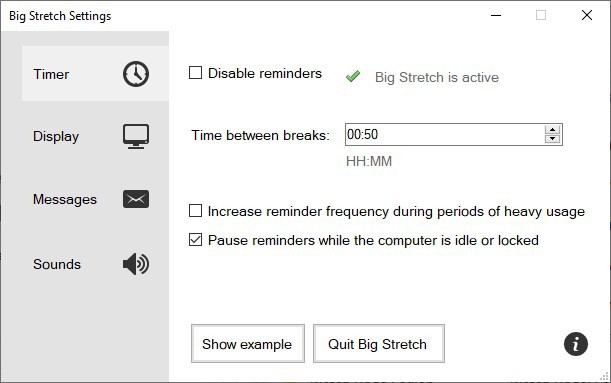
The interface is straightforward and modern. The main screen, which is called Timer, lets you define how often reminders should be displayed. The default setting is 50 minutes, though you can change it. You may toggle reminders and increase the reminder frequency during heavy usage. The application will automatically pause reminders when the computer is locked, or idle.
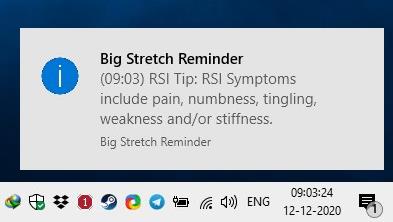
Big Stretch Reminder runs quietly in the background as a system tray application. Mouse over the icon to view when the next break is set to occur. Click on the Show Example button to view a test reminder. The program was primarily designed to help prevent RSI (repetitive strain injury). The message that appears near the system tray displays some RSI related tips. The program cycles various messages, so you won't see the same one frequently.
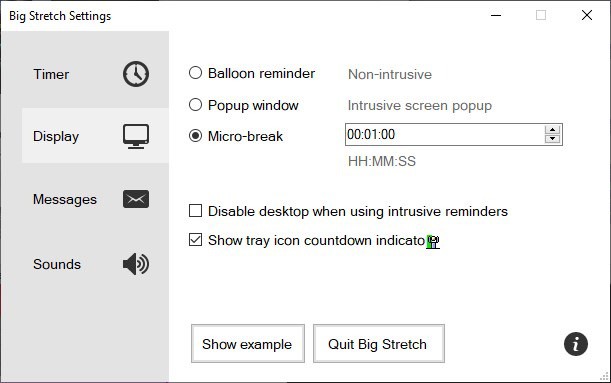
Switch to the Display tab in the sidebar, to change the notification's style. Don't like the balloon reminder?
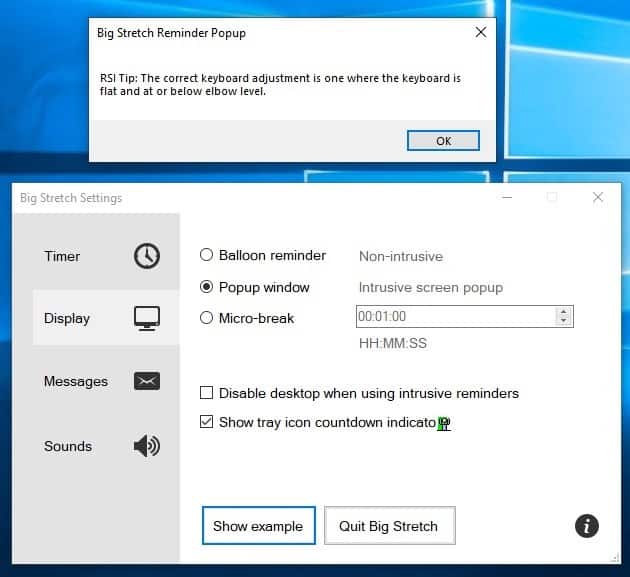
Enable a pop-up window, the message that it displays are similar to the non-intrusive version, except that the pop-up will appear on top of other windows, sort of like a nag screen, but for your own good. You can miss the balloon message, but not the pop-up.
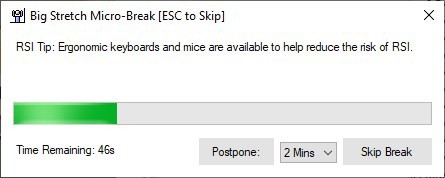
The Micro-break setting when enabled, reminds you to take a break and displays a timer for the same. It is set to 1 minute, but the countdown time can be customized per your liking. You can postpone or skip breaks if required, by clicking on the appropriate button. Right-click on the tray icon to start a break, disable the program, or to reset the timer.
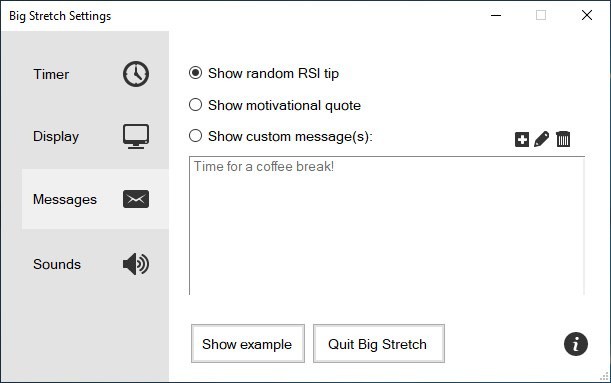
The Messages tab lets you choose what the program should display when a timer runs out, by default it displays random tips to avoid RSI, but you can set it to show motivational quotes, or, you can make it to display custom messages, which is sort of like to-do reminders.
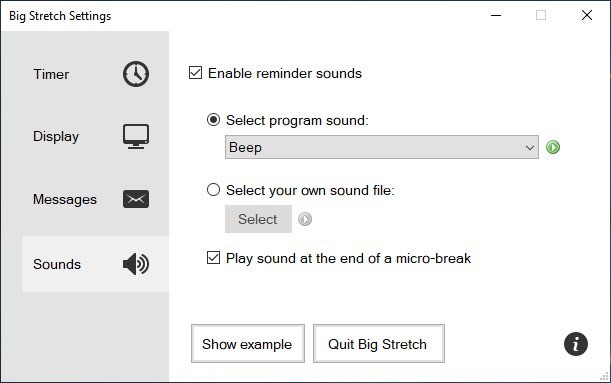
Big Stretch Reminder can play audio alerts too, if you enable the option in the Sounds tab. There are 4 built-in sounds that you can pick, or you can select a custom sound. The program supports the following formats: MP3, MP2, MP4, OGG, WAV, FLAC, OGA and AC3.
Personally, I use a fitness band and it vibrates to remind me that I've been sitting for too long (hourly reminder). Big Stretch Reminder essentially does the same, so I found it to be pretty useful.
Thank you for being a Ghacks reader. The post Big Stretch Reminder displays a message to remind you to take breaks regularly appeared first on gHacks Technology News.
https://ift.tt/3oQWrMm
from gHacks Technology News https://ift.tt/38cTvmH

No comments:
Post a Comment