
Microsoft has released an update for the company's Chromium-based Microsoft Edge web browser. Microsoft Edge 87 Stable is already available on the official download website and also as a direct in-browser update.
You can check the installed version by loading edge://settings/help in the browser's address bar. The page runs a check for updates when it is loaded and will download and install newer versions if discovered during the check.
Microsoft Edge 87
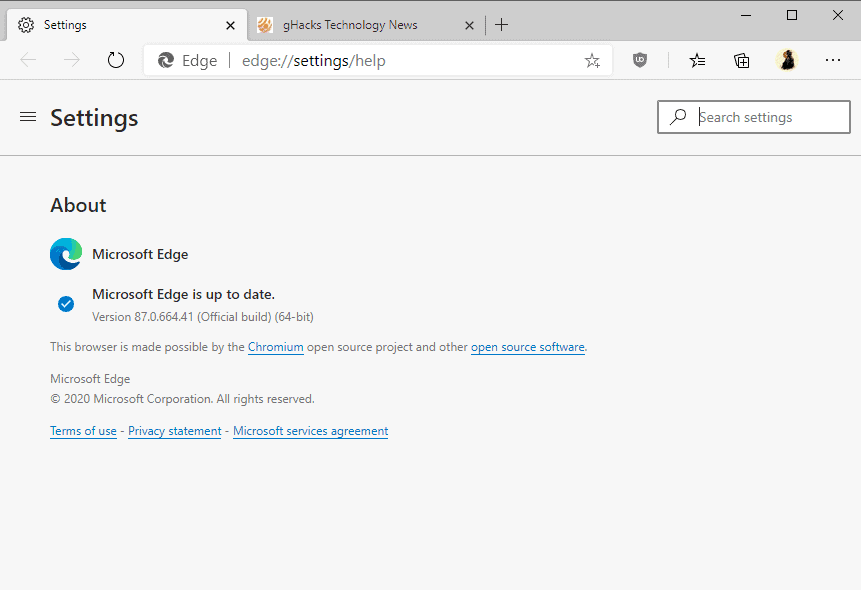
Microsoft Edge 87 is a feature and security update. The new browser version incorporates the latest Chromium project security updates according to Microsoft. The advisory page lists 19 different security vulnerabilities and the highest severity rating of "high", one level below the maximum severity level of "critical".
Microsoft Edge 87 includes several new features, many of which designed for Enterprise and business environments.
All users get the new shopping feature which we have reviewed here. It is a port of the feature of classic Edge and designed to alert users when deals related to the viewed products on certain shopping sites are available.
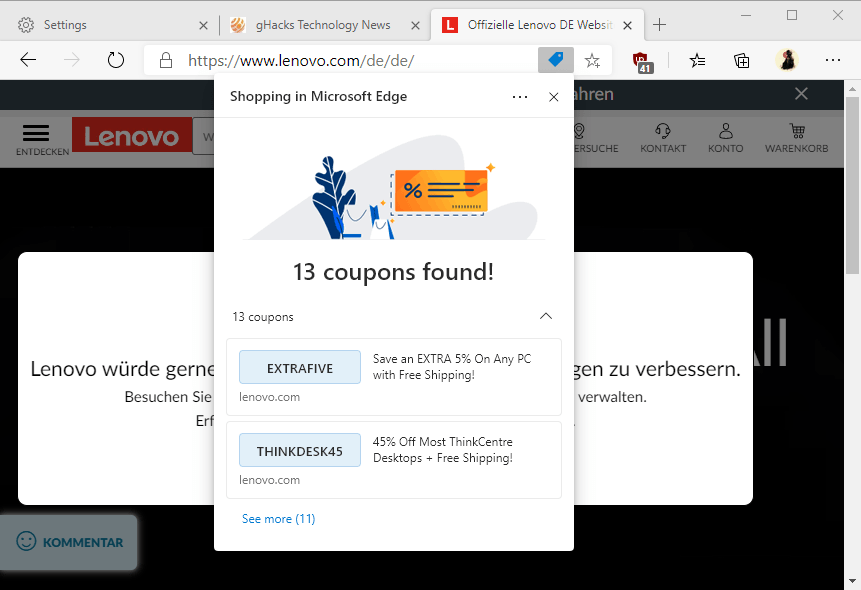
Edge displays an icon in the address bar when a coupon is found in the database that it uses. A click opens the lists of coupon codes. Microsoft has not addressed the display usability issue in the stable release, as only two of the coupons are displayed by default. A click on "see more" lists the others, but that involves quite a bit of scrolling because of the design and limited space; this makes it difficult to get an overview of all available coupons.
Other features for all users
- The highlight function of the PDF document viewer supports keyboard input in the new release.
- When printing on both sides, users may select to flip on the long side or the short side of a sheet.
Enterprise and business features
Most features are designed for Enterprise and business environments. Starting with Microsoft Edge 87, sites may be redirected from Internet Explorer to Microsoft Edge automatically if an incompatibility message is displayed by the browser.
Microsoft published a support document that provides additional information, including policies to manage redirects or prevent these in the first place.
Other changes for Enterprise customers:
- Kiosk mode supports new privacy features to deal with user data, e.g. to delete data on exit or delete downloaded files automatically. This support document provides additional information on Kiosk mode and the new functionality.
- ClickOnce deployment enabled by default to better align with the legacy version of Microsoft Edge. ClickOnceEnabled's status of "not configured" has ClickOnce enabled now instead of Disabled.
- Enterprise New Tab Page becomes a daily work dashboard by integrating My Feed on the page: "My Feed brings together information from news providers relevant to your work and industry. This can be further customized to your interest.".
- TLS Token Binding support for policy-configured sites.
The official release notes page lists new, deprecated and obsoleted policies.
Now You: Have you tried Edge 87? What is your impression?
Thank you for being a Ghacks reader. The post Microsoft Edge 87 Stable is now available with automatic Internet Explorer redirects and more appeared first on gHacks Technology News.
https://ift.tt/3352hBn
from gHacks Technology News https://ift.tt/2UJWnB3

No comments:
Post a Comment